How Project Scrubber Works
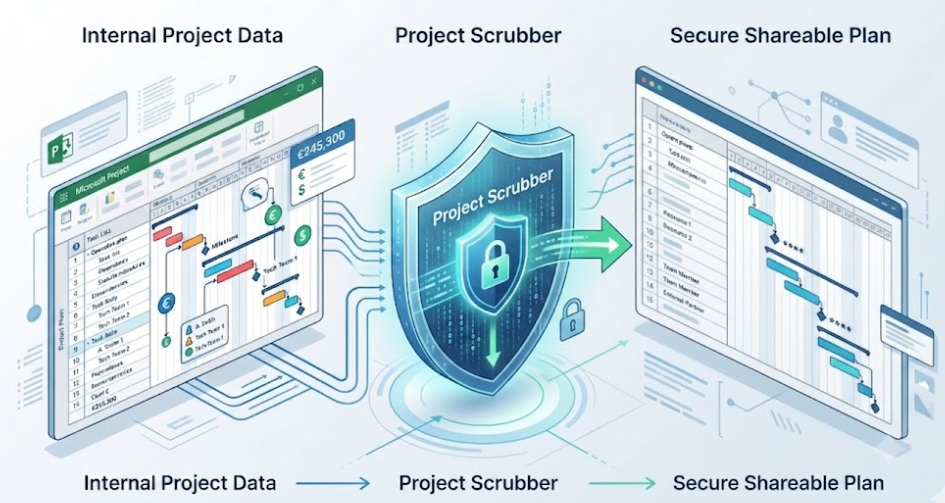
Project Scrubber, formerly known as Obfuscator, helps you create a sanitized copy of your Microsoft Project file before sharing it with clients, vendors, or external stakeholders.
Built as a native Microsoft Project add-in, it works directly inside Microsoft Project. You choose what to sanitize, run the process, and generate a separate cleaned .mpp file while keeping your original file untouched.
Unlimited time
By one year of use
A simple way to prepare safer project files
Project Scrubber is designed to help Microsoft Project users reduce or remove sensitive information before sharing a plan outside the organization.
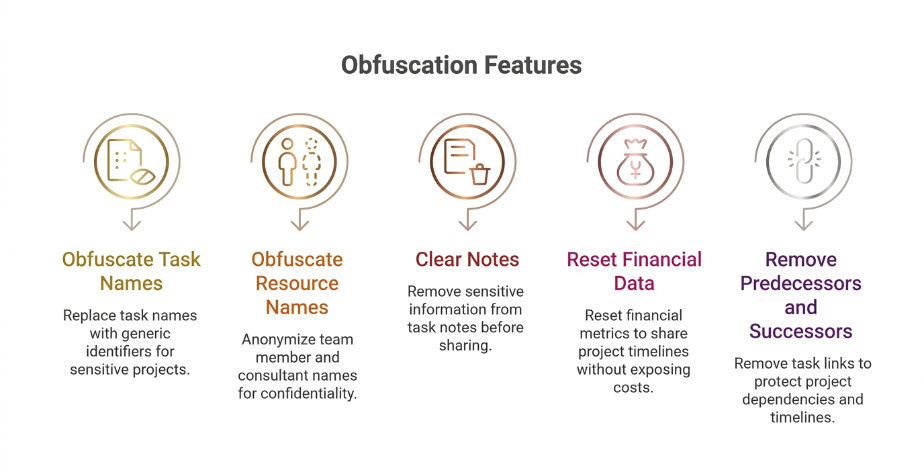
It can sanitize task names, resource names, notes, financial and work data, baselines, and logical links between activities. The result is a safer version of the project file that is better suited for controlled sharing.
How it works in 3 simple steps
Step 1
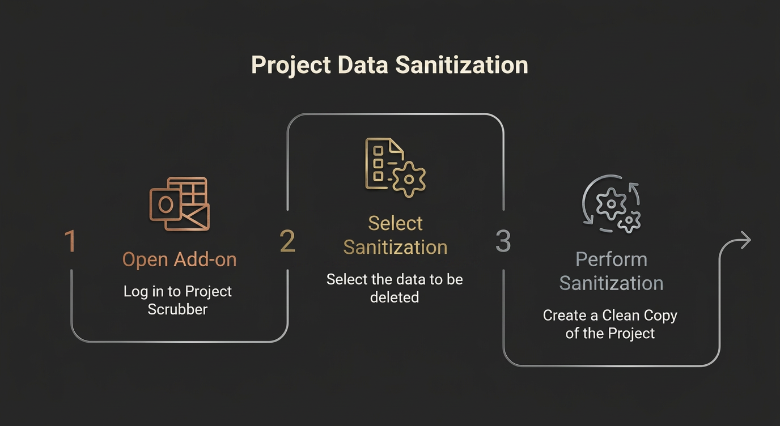
Open the add-in in Microsoft Project
After installation, Project Scrubber appears in the Microsoft Project ribbon under Security Tools. Click Anonymize Project to open the sanitization window.
Step 2
Choose what you want to sanitize
Select the level of protection you need. You can anonymize task names, anonymize resource names, clear task notes, reset financial and baseline data, and remove predecessors or successors.
Step 3
Generate a cleaned copy
Click Run Sanitization, select the .mpp file, and let Project Scrubber create a separate cleaned copy, typically with the suffix _Cleaned.mpp.
Works directly inside Microsoft Project
Once installed, Project Scrubber is available directly in the Microsoft Project ribbon.
- Tab: Security Tools
- Group: Data Protection
- Main buttons: Anonymize Project and License Info
This means there is no separate platform to learn and no external workflow to manage.
Choose what to remove
Project Scrubber lets you decide how much information should remain visible in the shared version of the file.
Common ways to use Project Scrubber
Important operational notes
- Project Scrubber is intended for single project files. It is not designed for Master Plans or files with subprojects.
- If a project is connected to a shared Resource Pool, sanitization is blocked for safety reasons and the project must be disconnected first.
- If the destination cleaned file is already open or locked, the process may fail until the file is closed and available again.
What happens during processing
During
sanitization, the add-in displays a progress bar, a status message, and
temporarily locks commands until the operation is complete.
At the end
of the process, the software shows a confirmation message and a final summary. The
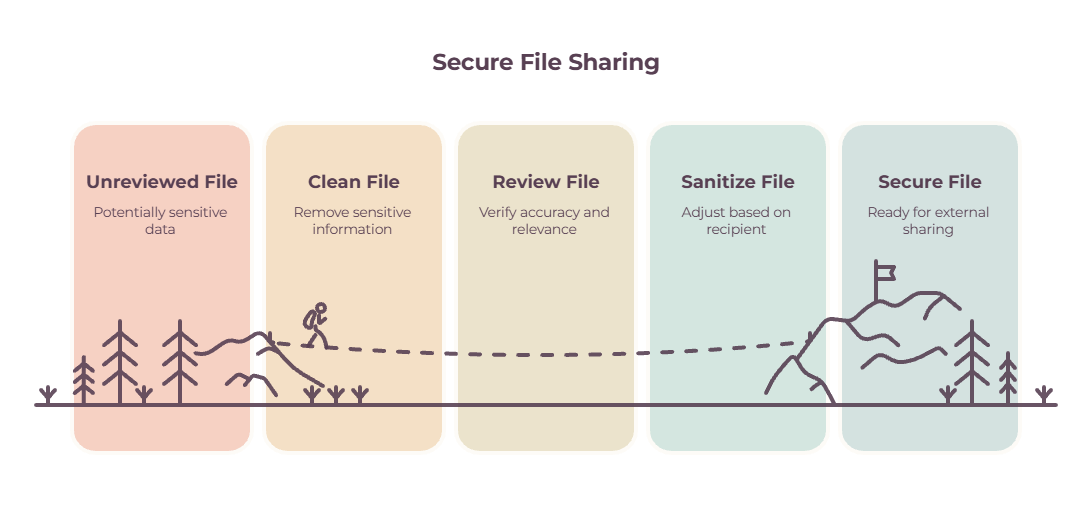
cleaned file should always be reviewed before distribution.
Best practice before sharing
Prepare a safer version of your MS Project file
Whether you need to anonymize names, remove notes, strip operational data, or hide scheduling logic, Project Scrubber helps you create a safer .mpp copy in just a few steps.
Single licence, 1 PC
For PMO Team or Enterprise licence and primary support, please contact me.
Protect Your Future Now!
- Instant Cost Removal
- Resource Exclusion Option
- Baseline Removal Function
- Streamlined Workflow
- Effortless Project Protection
- Does Project Scrubber modify my
original MS Project file?
No. Project Scrubber operates strictly
on a "copy" basis. It creates a brand new, sanitized .mpp file (e.g.,
projectname_cleaned.mpp) and leaves your original operational master plan
completely untouched.
-
Where do I find the add-in?
After installation, it appears in the Microsoft Project ribbon under Security Tools.
Can I choose what to remove?
Yes. You can select different sanitization options depending on the level of protection you need.
Can I use it on a project connected to a shared Resource Pool?
No. In that case, processing is blocked until the project is manually disconnected.
Microsoft and Microsoft Project are registered trademarks of Microsoft Corporation. Project Scrubber is an independent Add-in and is not affiliated with Microsoft.